
Windows app
CROSSIA Desktop
Make your everyday desktop a little more personal. Spend time with your favorite characters in the Windows app.
Download the app
Download the Windows installer, then select Log in in the app to link your CROSSIA account.
The download may be unavailable if the installer has not been published.
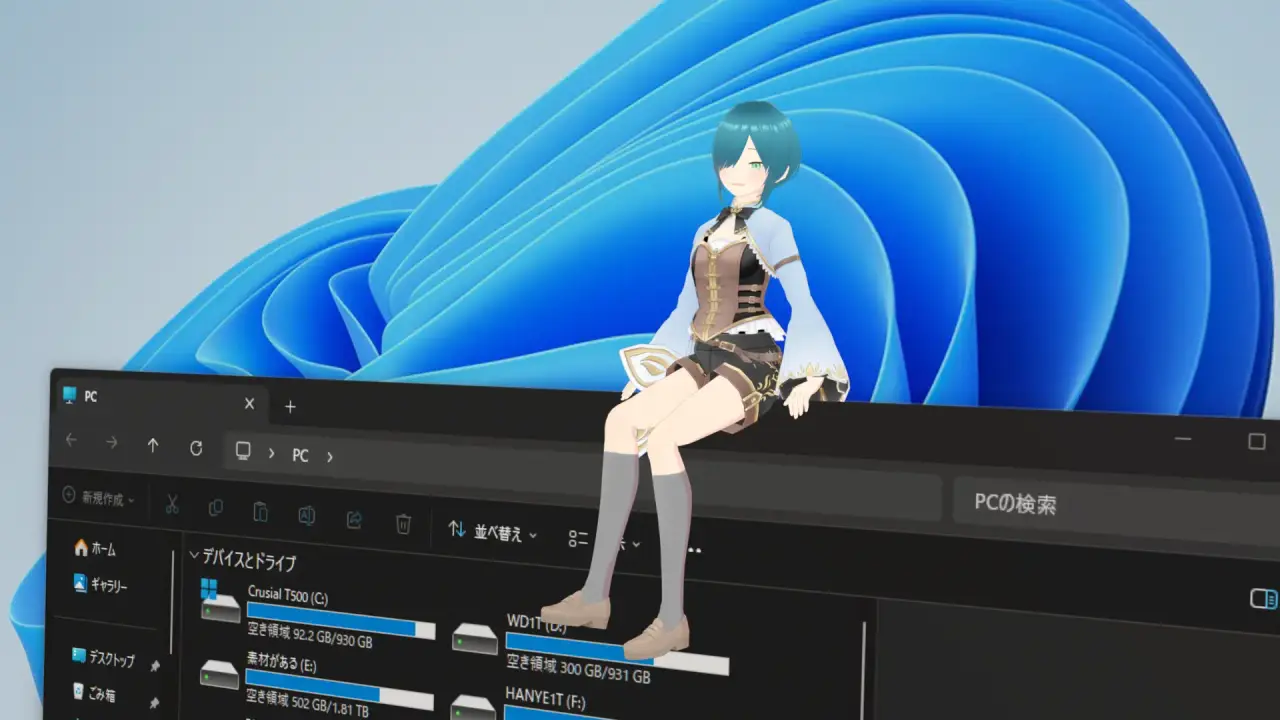
Demo video
A screen recording of the app running on a real Windows PC. Audio is only in the chat segment (0:36-0:45).
System requirements
Recommended
- OS
- Windows 11 64-bit
- CPU
- 6 cores / 12 threads or more (Core i5 12th gen / Ryzen 5 5600 or similar)
- Memory
- 16 GB
- GPU
- Intel Iris Xe / Radeon 680M or better, or GeForce GTX 1650 or similar
- Storage
- SSD with 4 GB free
Chat and cloud sync need an internet connection; voice input needs a microphone. Speech recognition normally runs on your PC. Only when your PC is busy and recognition is slow, a short utterance (up to 15 seconds) is sent to our server to be transcribed.
Install size is about 850 MB (including the ~625 MB speech model); character and motion caches are stored separately and add to this.